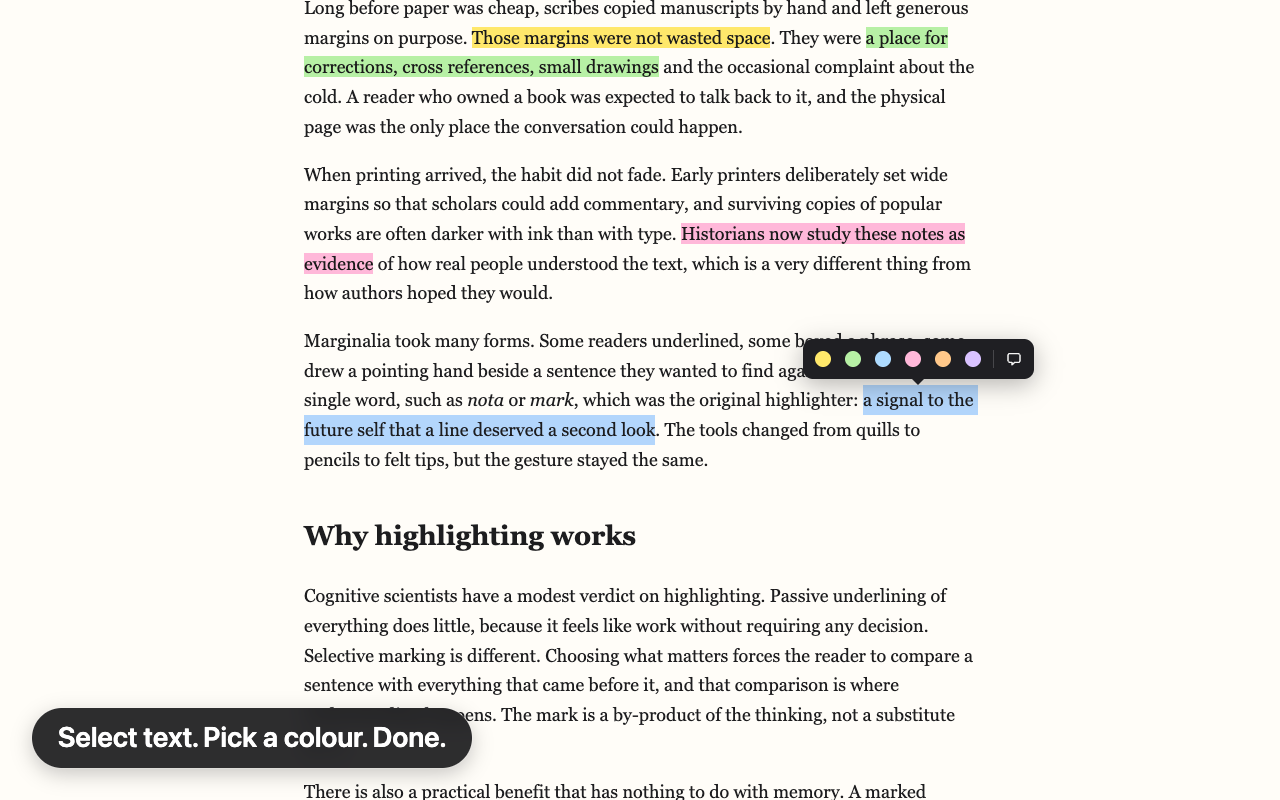
Hilite has no account, no servers, no analytics and no ads, and it makes no network requests of its own.
- What it stores
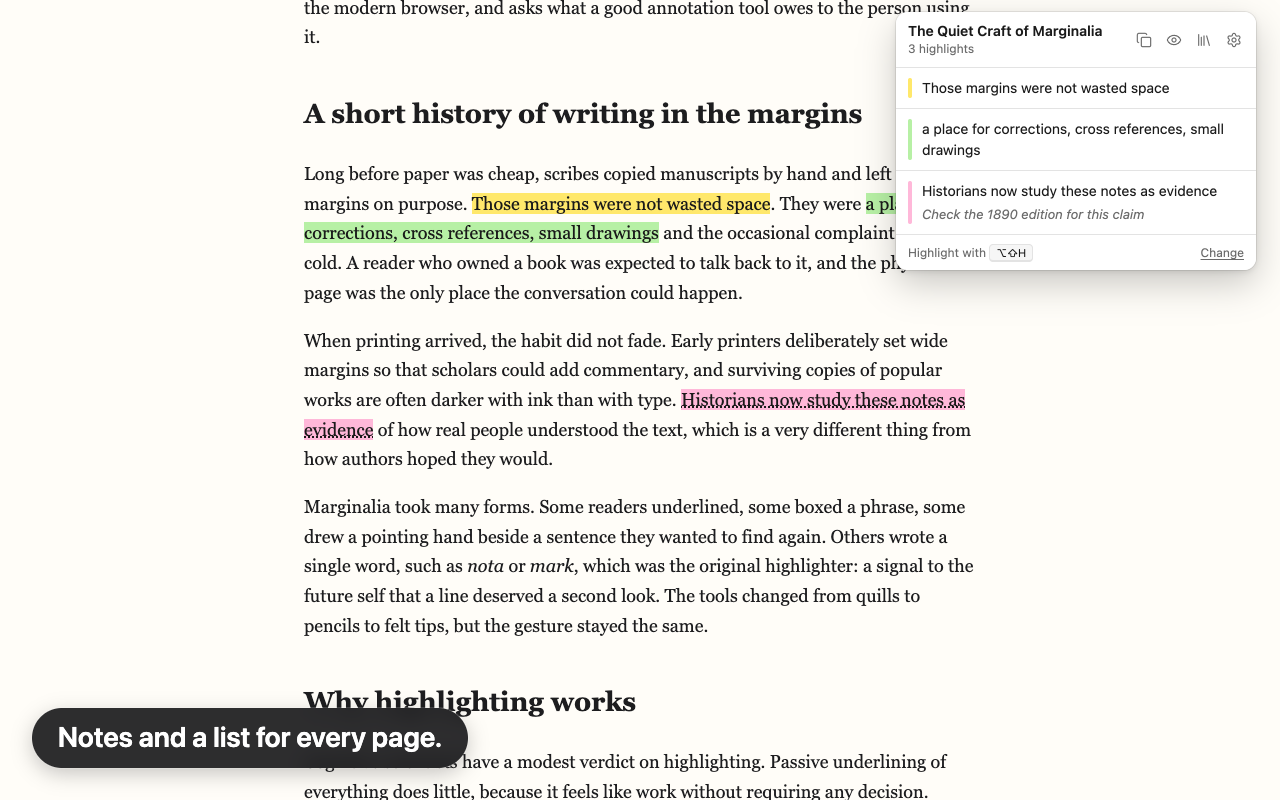
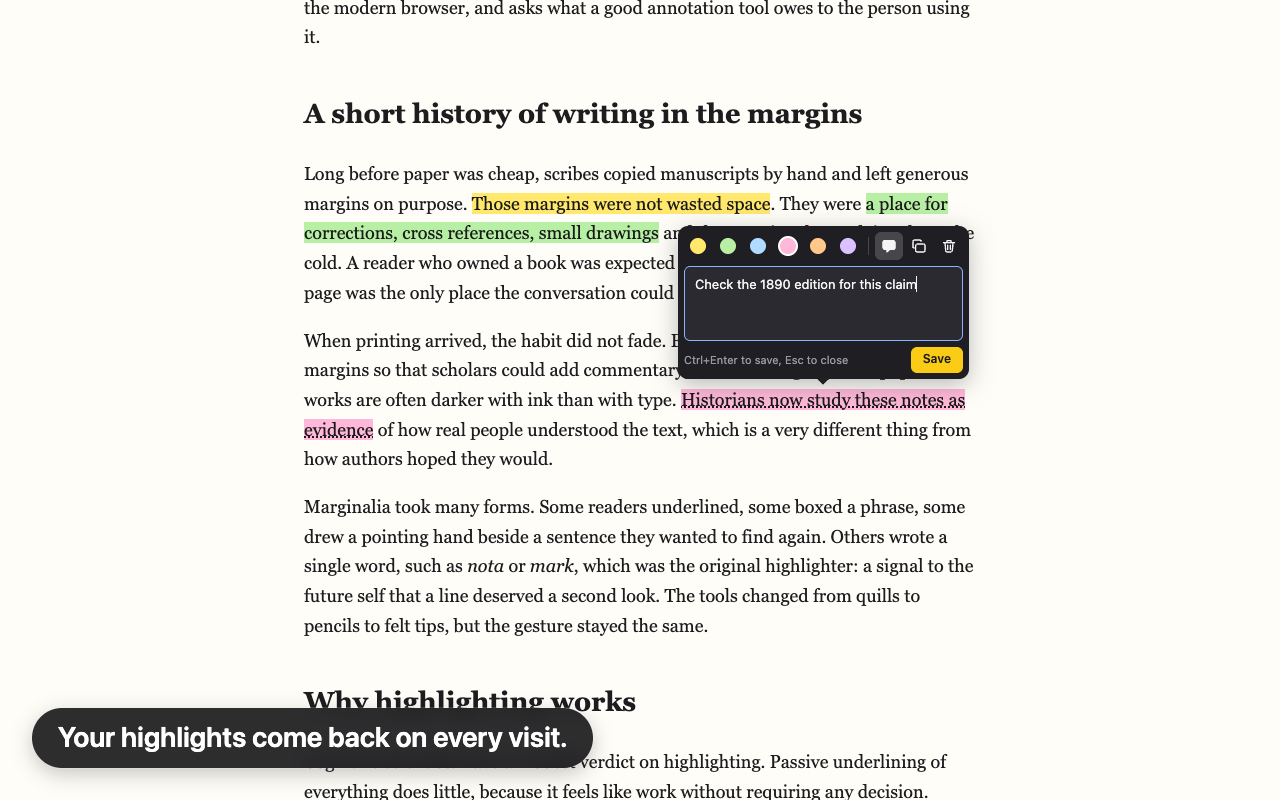
- The text you highlight, a few words around it, where it sits on the page, its colour and any note. The address and title of pages you have highlighted. Your settings, when it was installed or updated, when you last exported a backup, and whether you dismissed its two reminders.
- Where it stores it
chrome.storage.local, in your browser profile on your device. Hilite does not use chrome.storage.sync, so nothing is copied to your other devices.
- What leaves your device
- Nothing, except a file you choose to export or a link you choose to share. Copy link, ‘Tell a friend’ and ‘Share Hilite’ only put a link on your clipboard. The ‘Report a site’ and ‘Write a review’ buttons open a page only when you click them.
- Permissions, in plain words
- Storage and unlimited storage keep your library on your device. Context menus add Highlight to the right-click menu. Scripting starts Hilite on tabs that were already open. Access to http and https pages lets it place highlights. Side panel shows your highlights beside the page when you open it. It does not ask for tabs or history.
- Deleting your data
- Delete one highlight, one page or everything. Removing Hilite from
chrome://extensions deletes what it stored. Files you exported stay where you saved them.